Showing posts with label Android apps. Show all posts

Sunday, 9 February 2014

How to Obtain GPS Coordinates On Your Phone?

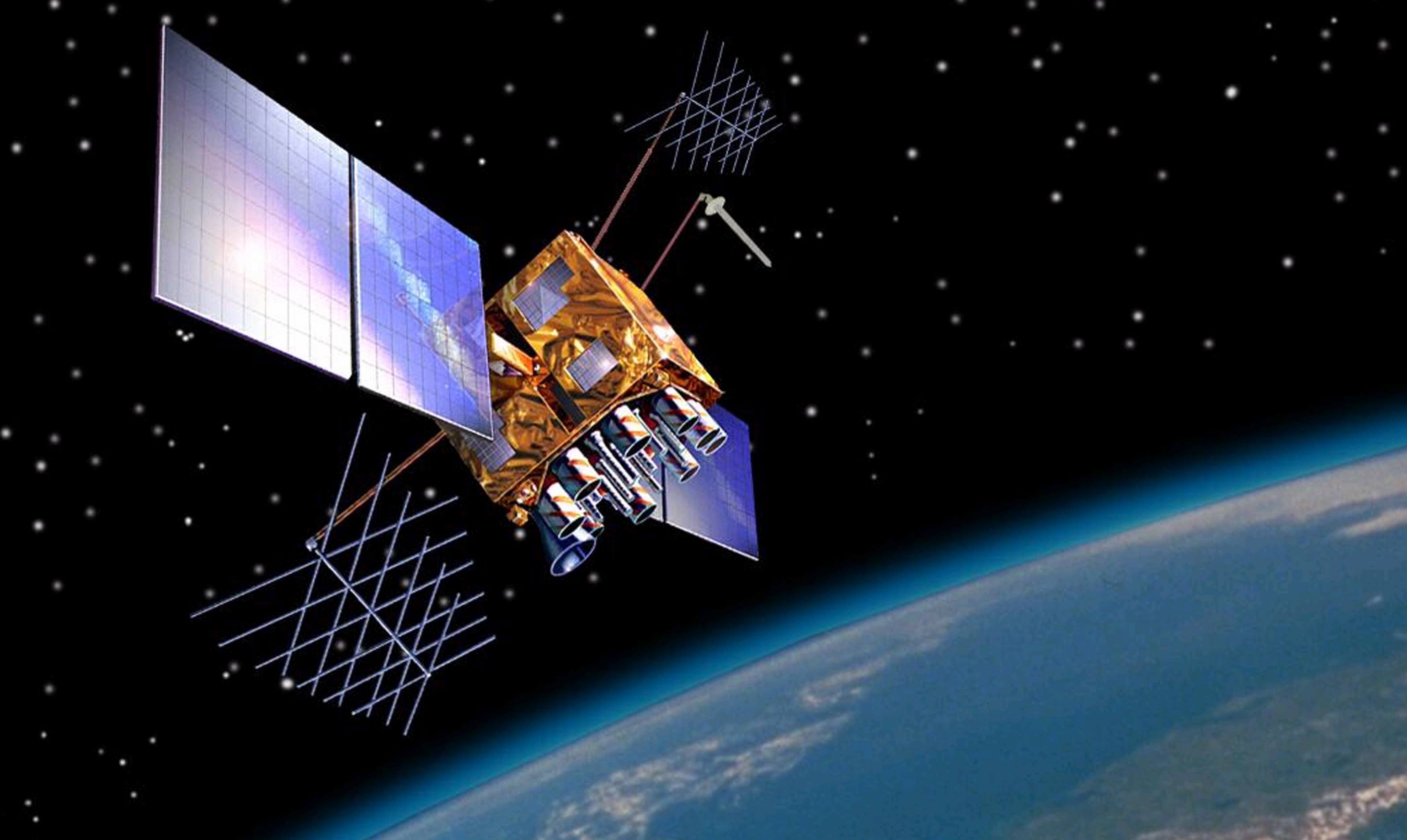
A geographic coordinate system is a coordinate system that enables every location on the Earth to be specified by a set of numbers or letters. The coordinates are often chosen such that one of the numbers represents vertical position, and two or three of the numbers represent horizontal position.


A common choice of coordinates is latitude, longitude and elevation. These values can be obtained by using Global Positioning System (GPS) on your phone.

One Touch Location is an android/iOS application which lets you to obtain GPS coordinates and address of your location. The accuracy of the values depends on the quality of the GPS receiver on your phone. Sources of error include signal arrival time measurements, numerical calculations, atmospheric effects, ephemeris, and clock data, multipath signals, and natural and artificial interference.


Using One Touch Location you can also share your location in the form of a Google Maps link, letting others track you over time. Plus, there's a built-in feature that lets you discover places of interest nearby.

Download Links
One Touch Location - Android
One Touch Location - iOS
Thursday, 16 January 2014

Aviate - An Intelligent Andoid Launcher Acquired by Yahoo for $80M

Aviate is an intelligent home screen replacement Android app which was recently acquired by Yahoo for $80M.

During CES 2014, Yahoo CEO Marissa Mayer was on hand to deliver a keynote. During the keynote, she mentioned that Yahoo had just purchased a company called Aviate. That company makes software that replaces the standard home screen on Android devices.


Aviate automatically categorizes all of your apps, and intelligently rearranges your homescreen throughout the day to dynamically give you the apps and information you need most, at precisely the moment you need it.


Aviate uses a variety of factors, including the time of day and your location to determine what you’re likely doing, and provide the appropriate apps, buttons, and links for that moment. For example, when you wake up and unlock your phone, Aviate provides a widget filled with your next few appointments, the weather, and even an icon for Twitter, since you like to scan news headlines in the morning. On the way to work, Aviate pops up Waze, Pandora, and Gas Buddy. When you head out to lunch, your home screen adapts itself to the restaurant you’re in, providing photos and tips from Foursquare, as well as the option to check in. As you walk to your car after happy hour that evening, Aviate pops up quick links to get directions home and check on traffic. When you plug in your headphones for an evening walk, your music apps appear. And finally, as you slump into bed after a long day, your home screen includes a new "Set Alarm" button, and a link to your Kindle app.


 Now, Aviate is finally free for everyone to try on the Google Play store, and all it takes it to put in “YAHOO” when it asks you for a code.

Aviate - Google Play

Friday, 10 January 2014

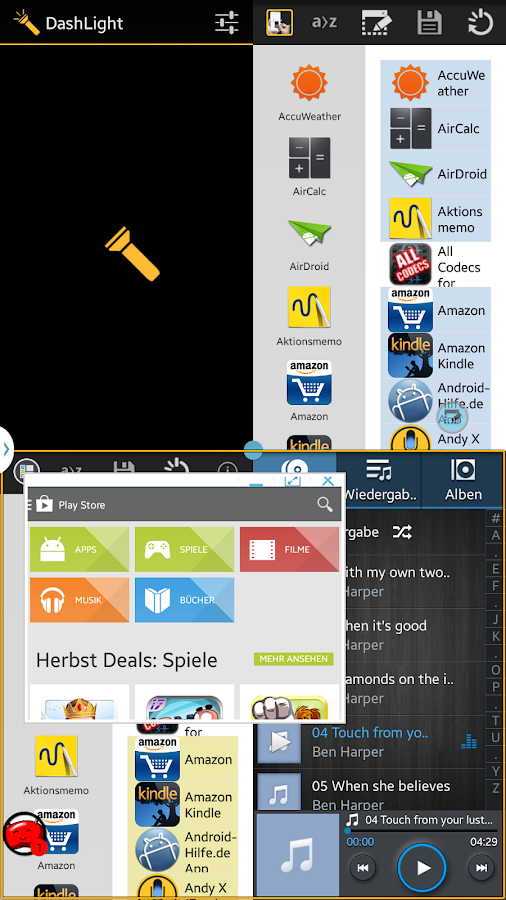
Enable Samsung Galaxy Note 3's HIDDEN Multiwindow Features

Multiwindow Plus enables a HIDDEN feature in your device that adds more functionality to the multiwindow sidebar. At the moment, Samsung multiwindow feature only allows dual view. This app or mod so to speak adds floating, docking and quad view features on the multiwindow tray. 


This app only enables the hidden feature and has nothing to do with how the said features work. There may be graphical issues or stability issues and that is why Samsung has disabled them in the production version. It also does not guarantee that it will work on your device or ROM due to various reasons. And if it works at the current firmware version, there is no guarantee that it will work on future firmware updates. Please TAKE NOTE of these issues before you proceed.

You need to Root you Samsung Galaxy Note 3 to use this app. If you don't know what is rooting, read this Article.

Download Free version of Multiwindow Plus from here and if you like the developer's work consider to buy the donate version from Google Play.


Monday, 16 December 2013

Timely - An Alarm With Best UI and Features for Android

Alarm is one of the basic applications of any mobile phone. There are hundreds of similar Alarm apps on the Play store But Timely is not one among them. Timely is the best-looking alarm clock you can get on Android.


Timely offers a crisp, typography-focused design and fun, gesture-based interface. Like Rise, you can set your alarm time by dragging your finger up and down the display to the appropriate time slot.


Timely offers a host of themes and sounds that you can unlock with in-app purchases if you desire, and it features Smart Rise, which will trigger a slowly fading melody 30 minutes before your set alarm time in an effort to catch you in a light sleep cycle. You can snooze your alarm via the giant on-screen button, by pressing the volume keys, or by flipping your device over, and you can control the length of time in between snoozes. Timely even has the ability to shrink the snooze duration between consecutive snoozes if you are really unable to get out of bed. For the stubborn types, Timely can be set to use a math problem or pattern challenge to wake you up before it shuts up.


In addition to an alarm, Timely also has a built-in timer and stopwatch; support for Android's Daydream screensaver mode; a DashClock extension; integration with Google Now; and the ability to sync your saved alarms across multiple devices.


Google has acquired Timely and now all the functionalities are free.

Download Link
Timely - Play Store (Free)


Saturday, 30 November 2013

Type 1000+ symbols using Type Droid

Type Droid is an Android app developed by Shantanu Deshmukh. Type Droid allow you to type more than 1000 symbols and copy them. You can send these text to anyone via text message, whatsapp, Facebook, etc and the receiver doesn't need to have Type Droid installed to see these symbols.


One of the best symbols Type Droid has are the inverse alphabets which you won't see anywhere else.


┴HIS lS ɐu ǝxɐWԀlǝ

The symbols available are:


Type Droid is available on Google Play for Free, download it from here.

Saturday, 5 October 2013

Sony Xperia Z / Z1 Gallery (Album) - APK - Free Download

Sony Xperia Z one of the best looking Android phones. The Gallery of the Sony Xperia Z is known as Album has the best UI among all android phone's gallery. The thumbnail resize feature of this App is unique.

This ALBUM has now been ported and it can be installed on any device and rooting is not required.


Features:
  • Resizable thumbnails
  • Geotagging with Globe and Map view
  • Face Tagging
  • Facebook and Picasa Sync

Download link
Sony Xperia Z Gallery (Album) - APK

Thursday, 19 September 2013

Mobo Market - A Google Play Alternative


MoboMarket – The One Stop Shop for your Android Downloads

MoboMarket is a mobile market application which combines a fully functioned app manager that gives you full control over downloads, updates, and installation/removal of Android applications.

MoboMarket is not just a simple mobile market application, but offers a wide range of resources. Besides the options to download apps and games, you also have access to wallpapers and themes, as well. In addition, Mobo Market also combines a fully functioned app manager that gives you full control over downloads, updates, and installation/removal of Android applications.


Meanwhile, MoboMarket has perfectly integrated a WiFi connection feature. By working with Moborobo - The Smartphone PC Manager, MoboMarket allows users to wirelessly manage everything on their Android, right from their PC.

In addition, MoboMarket features a well organized application push and recommendation system, to help application downloaders discover new apps and find their next favorite app. The application collection and ranking system will keep users updated, as well as ensures they will always have the most popular app/games to use and play.

Download - Mobo Market 

 The Above link downloads the Mobo Market APK directly, just install it after downloading it and enjoy unlimited free games and apps.

Saturday, 3 August 2013

Moto X Camera Application - Review and Download

Moto X is an Android Smartphone which is just made for an average customer who concentrates much on features than specifications. If you are one among those average mobile users, then MOTO X can be your perfect mobile phone.

In this Article, I'll be presenting thr Camera application of Moto X which is Clean, minimalist and easy to use.


  Moto X Camera UI is simple and easy to use. The swipe controls are pretty refreshing. When Swipe Right you get a wheel like Options menu which you won't see in any other phone and You can access the gallery by swiping left. Swiping Up or Down to Zoom-in or Zoom-out.

The Original Camera of Moto X features Quick capture, Slow-motion mode, HDR, Photosphere, Panaroma and other standard features. One of the easy to use features of Moto X camera is you just have to tap anywhere on the screen to take a picture. A Geek would consider this feature as a gimmick but an ordinary user will really find this feature to be most useful.


Image took on Sony Xperia Z using Moto X camera Application:


The Camera app which I'm presenting here has lot of Bugs. The basic features like Swiping Actions, Flash, Video recording, Touch focus and flash are working perfectly. But some of the features like Panaroma, HDR, Quick capture and slow-motion mode are not working for now and they will be fixed soon.

Note: Just Download and Install the APK file. This won't replace your stock camera app. But in case of Motorola Mobile phone users this APk will replace the stock apk, so backup your Stock camera App before installing this APK.


DOWNLOAD LINK
Moto X Camera

Also Download
Android 4.3 camera and Gallery

Friday, 12 July 2013

iOS 7's Control Center for Android - Demo and Download

Apple is known for its innovation. Apple recently announced iOS 7, its latest software which has been self proclaimed as world's most advanced mobile OS. But I don't agree with that because most of the features looks like they were ported from Android.

Control Center is one of the innovative features of iOS, though it feels like an Android phone notification it feels really Good. If you want this feature on your Android phone, you have to download this Android App called Control center developed by Hi Tools Studio.


 Control Center for Android has iOS7 UI Style. The App provides easy wifi, rotation, data connection, vibration and Airplane mode toggles. You can also control volume and brightness. The App also allows you to launch some apps like Camera, flashlight, calculator with simple touch. And you can also do all these things even on the lock screen.

Control Center for Android gives you iOS7 feel but it stills lacks iOS7 animations and music control support. But still its a wonderful application.


Download link
Control Center for Android

Like RK World on Facebook and subscribe on Youtube for more cool stuff.


Saturday, 6 July 2013

Sunday, 30 June 2013

Android 4.3 Camera and Gallery - Review and Download - Works on All Phones

All android users are waiting for next Android update from Google. Meanwhile I got this Camera and Gallery Application which was extracted by leaked Android 4.3 ROM of Google version Samsung Galaxy S4.

The Camera has loads of cool features like Photosphere, Geo-Tagging and Panorama. The Camera is Clean and easy to use.


The Auto Focus and Face detections is good. The common features like Auto Flash, Exposure levels, countdown timer and white Balance are also available.

Like the previous Android Camera this app also has Photosphere options and it works perfectly.


The Gallery app is as usual easy to use and it syncs all your photos from your Google accounts.

Download and install this APK for Camera and Gallery. 

The APK Works on all android phones except few low end devices and Rooting is not required.